Quark Mod Fabric compatibility
Why official Quark builds do not install into Fabric and what loader matching means.
Read guide →Quark is a modular Java Edition mod built around carefully scoped improvements: richer building palettes, practical inventory tools, configurable redstone ideas, subtle world detail and quality-of-life mechanics that still feel recognizably Minecraft.
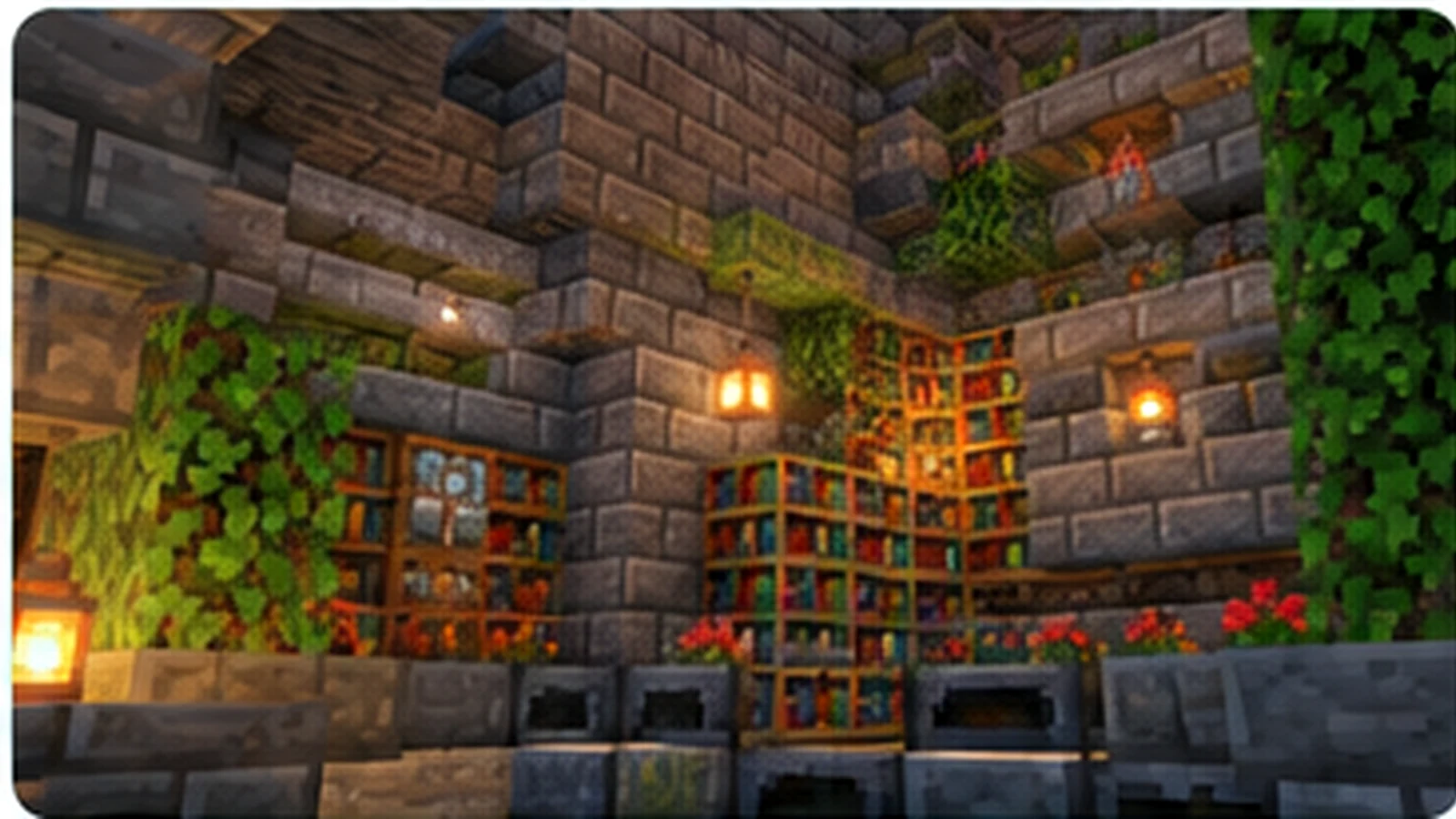
Quark is best understood as a collection of focused modules rather than a single large mechanic. It expands familiar systems with building variants, interaction improvements, inventory conveniences, automation helpers and environmental details while preserving Minecraft's normal progression.
Its modular structure is especially useful for custom instances and servers: you can keep the additions that strengthen your preferred play style and disable the ones that overlap with other mods.
Quark is much larger than these examples, but these groups explain why it works as a “vanilla-plus” toolkit instead of a single-purpose mod.
Features are organized into independent modules, so pack authors can remove overlaps and players can trim mechanics they do not want without discarding the entire mod.
Vertical slabs, posts, brick and stone variants, hedges, hollow logs and other block families broaden palettes while keeping recognizable Minecraft shapes and materials.
Client-side conveniences such as chest searching, improved tooltips and usage indicators reduce repetitive friction without changing core progression.
Chain-linked movement, utility blocks and additional signal behaviors create more engineering options while still fitting the logic of vanilla redstone systems.
Tools such as the Trowel and other targeted helpers solve small building or exploration problems instead of introducing an entirely separate technology tree.
Stone families, decorative generation and biome-sensitive details add texture to exploration while leaving Minecraft's main goals, dimensions and progression recognizable.
The safest workflow is version-first: lock Minecraft, match the loader, pair the required dependency, then validate the setup in a test profile before opening an important world.
Start with the exact game version used by the instance or server.
Use the loader release intended for the same Minecraft line.
Modern Quark builds need a compatible Zeta version in the same stack.
Verify the title screen, mod list and a disposable world before using a main save.
Quark supports multiple historical Minecraft versions, but files are not interchangeable. A 1.21.1 build should be paired with the correct loader and dependency versions.
Quark's broad module mix works best when you choose the parts that complement your play style instead of enabling features blindly.
More visual variants and construction-friendly details for bases, towns and themed projects.
Quality-of-life modules that make routine inventory and interaction tasks feel smoother.
Selective modules can support a shared experience when everyone uses a compatible set.
Disable overlaps and keep the small features that add value without redefining progression.
The button below uses the download target supplied for this project. For normal gameplay installation, use a release file that exactly matches your Minecraft version, loader and required dependency; a source archive is not the same as a loader-ready mod JAR.
Download Quark Mod
Use a separate profile while testing. Keep a copy of your world before adding, removing or upgrading gameplay mods.
Copy important worlds and configuration files before making mod changes.
Confirm Minecraft, NeoForge, Quark and Zeta are meant to work together.
Start the game, reach the title screen, check the mod list and review errors before loading a main save.
Quark's breadth is its strength, but the same breadth means configuration and compatibility deserve attention in larger modpacks.
As of September 2026, public project listings show Quark 4.1-484 for Minecraft 1.21.1 on NeoForge. Modern 1.20.1+ Quark lines use Zeta, so a successful install depends on the complete version stack rather than the Quark filename alone.
Do not change ten things at once. Reproduce the problem in a test instance and make one controlled change per test.
Check loader, Quark and Zeta versions first. A missing dependency or wrong build is a common cause.
Review module configuration and confirm the feature exists in your exact Quark version.
Test with only Quark and required dependencies, then add other mods back in small groups.
These static guides answer the most common Quark Mod search intents without sending you through external navigation.
Why official Quark builds do not install into Fabric and what loader matching means.
Read guide →
A practical version-first checklist for NeoForge, Zeta and safe testing.
Read guide →
Understand version-specific enchanting modules, Ancient Tomes and safe testing.
Read guide →Exactly twenty Quark-specific questions are grouped into compatibility/features and setup/troubleshooting. Only one answer opens at a time.
Quark Mod is a modular Minecraft Java Edition mod that adds many small, configurable quality-of-life, building, automation and world-detail features while aiming to preserve the feel of vanilla gameplay.
Yes. The current 4.1 release line supports Minecraft Java Edition 1.21.1 on NeoForge. Always match the mod, loader and dependency versions before launching.
Official Quark releases are not published as Fabric builds. For the 1.21.1 line, use the supported NeoForge build rather than installing a Forge or NeoForge file into Fabric.
Modern Quark versions from 1.20.1 onward use Zeta as a required dependency. Use a Zeta build made for the same Minecraft and loader version as Quark.
Yes, Quark supports client and server environments. A modded server should use compatible Quark, dependency and loader versions, and players generally need matching mod requirements.
Quark is designed to be modular. Many modules and options can be enabled, disabled or configured so a pack can keep only the features it wants.
It includes small building, decoration, inventory, automation, exploration and interaction improvements rather than centering the experience on one single mechanic.
No. Its design goal is to add many small features that feel close to the base game instead of replacing Minecraft's core progression.
Yes. Building and decoration are major parts of Quark, with many small block variants and construction-focused additions depending on the version and enabled modules.
Ancient Tomes are associated with Quark's enchanting-related content in supported versions. Exact behavior can vary by version, so check the guide for version-specific expectations.
Back up your world, install the correct Minecraft loader, add the matching Quark and dependency files to the mods folder, then test in a separate profile before opening an important world.
The most common causes are a mismatched Minecraft version, wrong loader, missing or incompatible Zeta dependency, or another mod conflict. Read the first relevant error in the latest log before changing files.
That message usually means Quark expects a compatible Zeta build that is absent or on the wrong version. Match Minecraft, loader, Quark and Zeta versions as one set.
It often can, but adding or removing world-affecting content can have consequences. Create a backup and test a copy of the world first, especially when changing a long-running modpack.
Back up the instance, confirm the target Minecraft and loader version, replace Quark together with any required matching dependency update, then launch once and review the log before using important saves.
Place the compatible mod file in the instance's mods folder. Do not unzip a normal mod JAR. The source-code ZIP offered on this site is for source access, not a normal mod-loader installation file.
A feature may be disabled in configuration, unavailable in your specific Quark version, dependent on another setting, or changed between Minecraft versions.
Yes. Start with a clean compatible setup, disable modules you do not use, avoid duplicate feature mods, and change one setting at a time so you can identify the impact.
No. Quark is a Minecraft Java Edition mod and does not install into Bedrock Edition. Bedrock add-ons use a different extension and runtime model.
Record your Minecraft, loader, Quark and Zeta versions, reproduce the issue in a test profile, read the log, and temporarily remove unrelated mods only if needed to isolate a conflict.